Is AI Safe to Use?

A lifelong tech enthusiast, with experiences ranging from jailbreaking his iPhone to building his own gaming PC, Rhett specializes in maintaining privacy in a digital world and iPhone security.
Learn More A lifelong tech enthusiast, with experiences ranging from jailbreaking his iPhone to building his own gaming PC, Rhett specializes in maintaining privacy in a digital world and iPhone security.
Learn MoreArtificial Intelligence is becoming an inescapable fact of life. It's everywhere we turn, and it's starting to feel like it's something we have to take advantage of or get left behind. Using AI comes with some inherent risks to your privacy and digital security. There is no such thing as completely private artificial intelligence. However, there are ways to use it safely.
Why You'll Love This Tip
- You can use AI chatbots without compromising your data.
- Maintain as much of your privacy as you can while using AI.
AI & Privacy
System Requirements
This tip was performed on an iPhone 15 Pro running iOS 26.5. Find out how to update to the latest version of iOS.
Is AI safe? Staying private while using artificial intelligence is not easy. However, if you're going to use the latest AI assistant, it's important to do what you can to ensure your data is not compromised. For more helpful tricks and advice, be sure to sign up for our free Tip of the Day newsletter. That will also sign you up for Security Friday, our weekly privacy and security newsletter, where we aim to help you stay safe in the digital world. Now, let's go over AI and privacy:
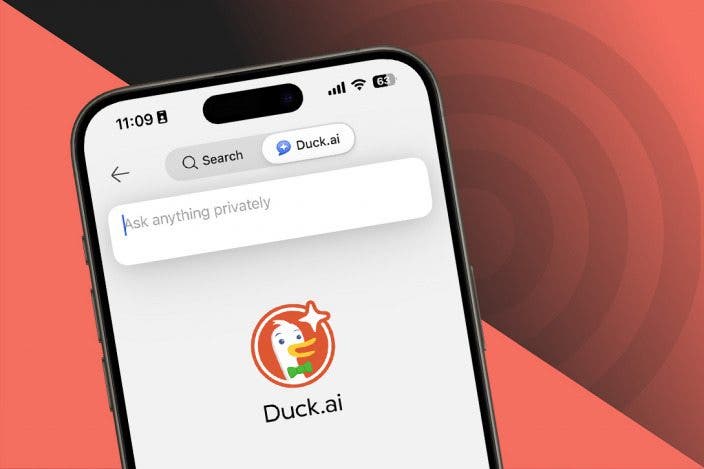
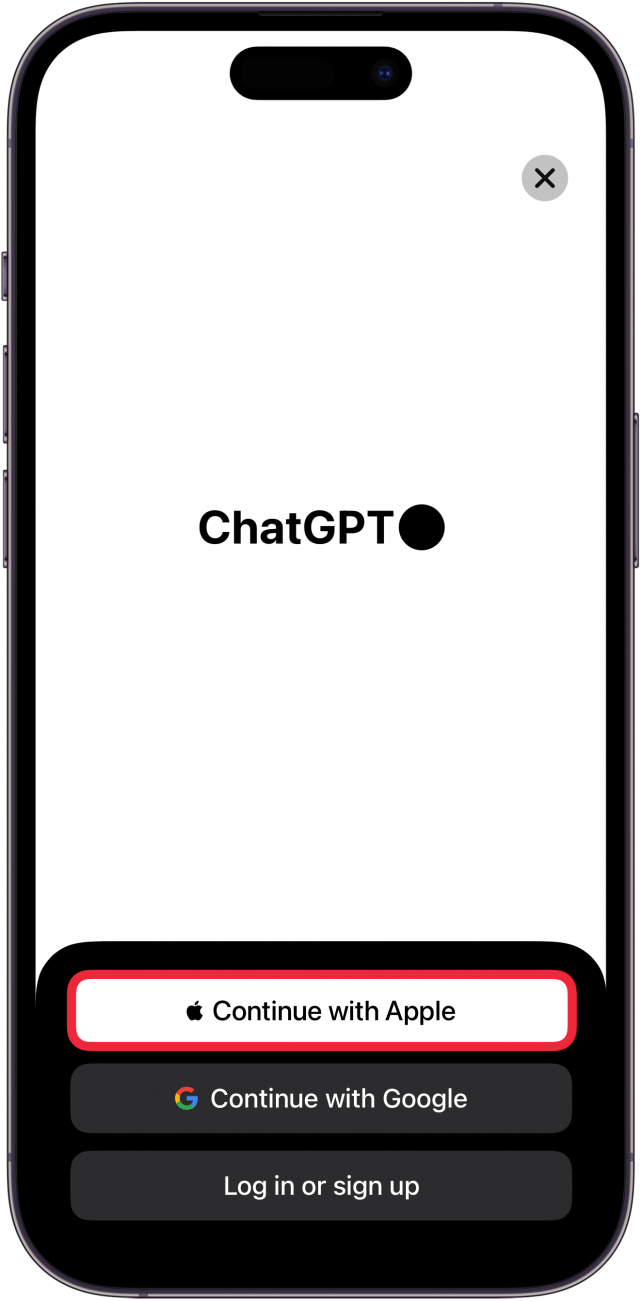
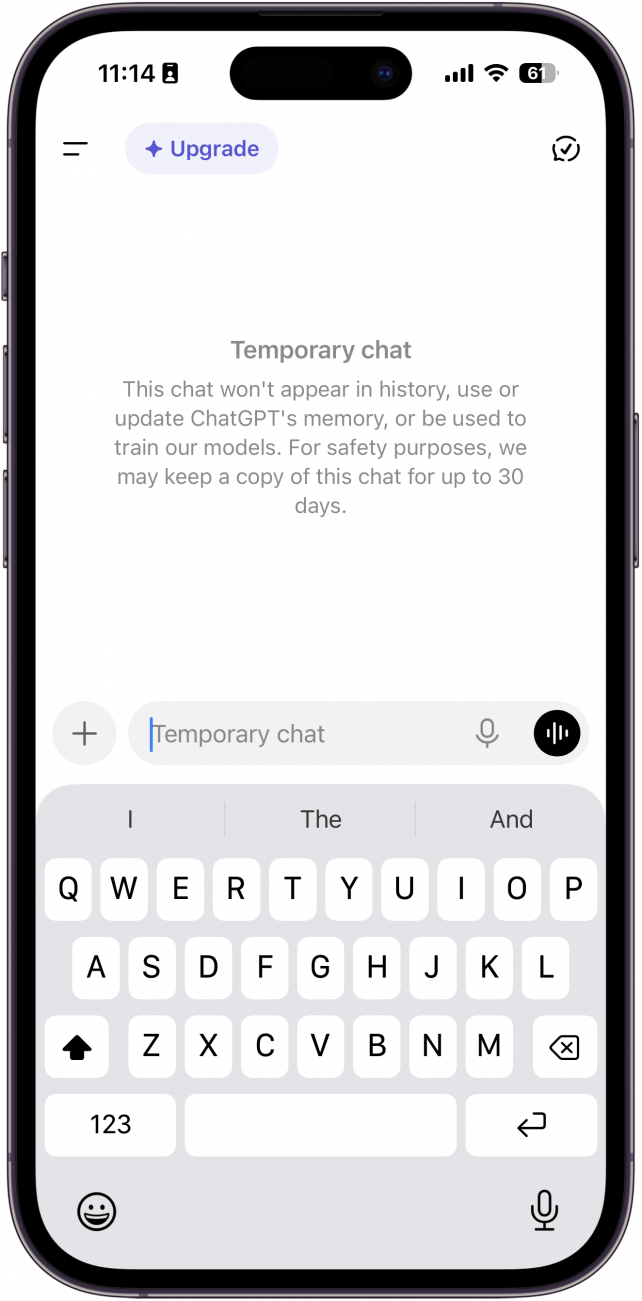
- When using any AI assistant, avoid creating an account if you can. Some chatbots, including ChatGPT, Copilot, and Duck.ai allow you to use them without an account.
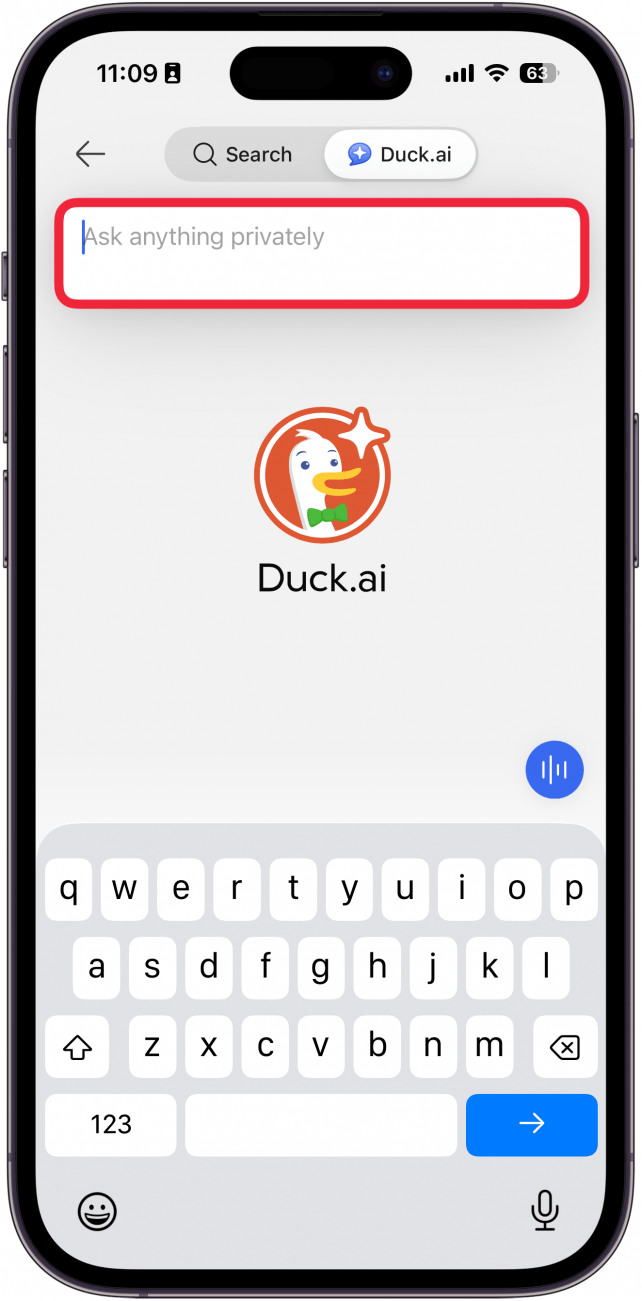
- If you must create an account, use Sign in with Apple when possible. If the chatbot doesn't support Sign in with Apple, use Hide My Email and a strong password to secure your account.
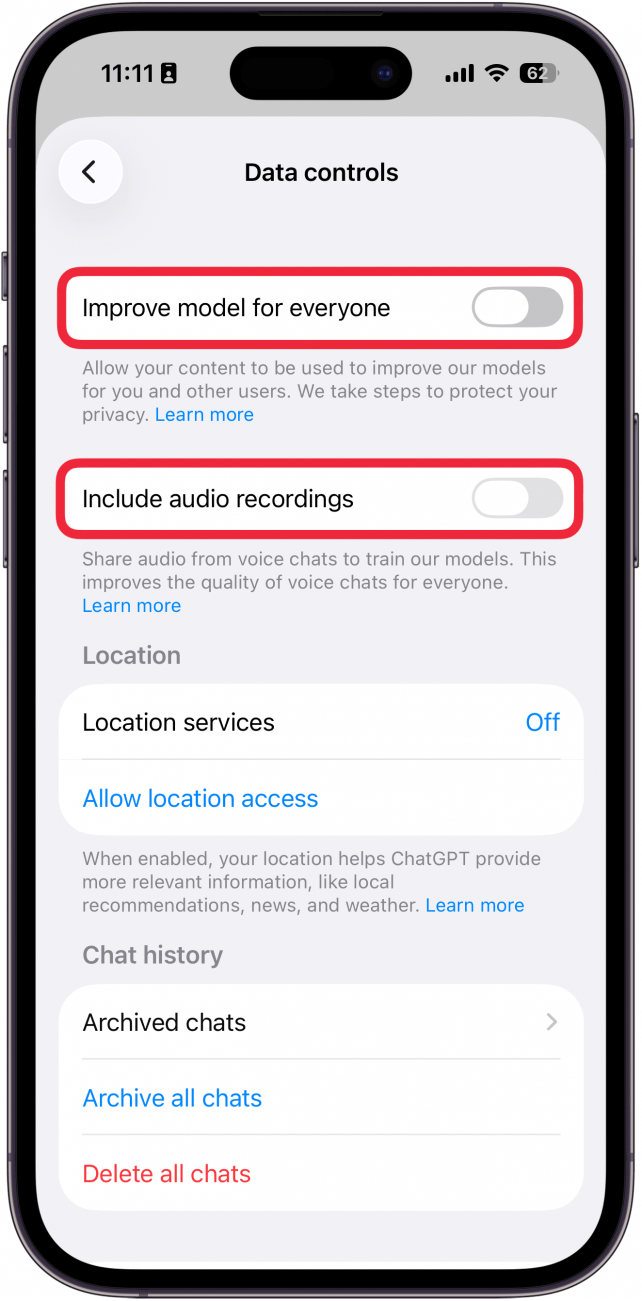
- Opt out of training. Chatbots will use the data you feed them to train their AI models, but some, such as ChatGPT and Gemini, allow you to opt out. The steps to opt out will vary from chatbot to chatbot, so you'll likely need to dig through the app settings to find them.
- Avoid oversharing with chatbots. Treat chatbots as though anything you say to them will be public knowledge. Don't give chatbots any personal information that you want to keep private.
Ultimately, chatbots/AI assistants like ChatGPT are not private. The companies in control of chatbots can access the conversation you have. But if you follow these steps, you can stay as safe and private as possible when using artificial intelligence.
More On: Artificial Intelligence

Every day, we send useful tips with screenshots and step-by-step instructions to over 600,000 subscribers for free. You'll be surprised what your Apple devices can really do.

Rhett Intriago
Rhett Intriago is a Feature Writer at iPhone Life, offering his expertise in all things iPhone, Apple Watch, and AirPods. He enjoys writing on topics related to maintaining privacy in a digital world, as well as iPhone security. He’s been a tech enthusiast all his life, with experiences ranging from jailbreaking his iPhone to building his own gaming PC.
Despite his disdain for the beach, Rhett is based in Florida. In his free time, he enjoys playing the latest games, spoiling his cats, or discovering new places with his wife, Kyla.
Related Articles
 Leanne Hays
How to Remove People from Photos on iPhone Using AI Clean Up
 Rhett Intriago
 Rachel Needell
Awe Dropping: What to Expect from Apple's September Event
 Amy Spitzfaden Both

 Olena Kagui
July Apple Watch News: Watch 10 Rumors, watchOS 11 Beta, More!



 Hal Goldstein