Home
chevron-right icon
How-To
chevron-right icon
All Articles
how-to icon
How-To
Become an Apple device expert
Daily one-minute tips sent straight to your inbox.
Subscribe For Free
All Articles
FaceTime
How to Zoom In on Yourself in a FaceTime Call on Your iPhone
Leanne Hays
•
Sep 14, 2026
Apps
How to Clear Deleted Voicemails on iPhone & Save Storage
Conner Carey
•
Sep 13, 2026
iOS
How to Download & Install the New iOS Update (iOS 27)
Conner Carey
•
Sep 10, 2026
Camera
Answered: What Is the Flower on iPhone Camera?
Rhett Intriago
•
Sep 10, 2026
Apple Events
Apple’s New Era: The iPhone Duo & John Ternus Debut Together
Amy Spitzfaden Both
•
Sep 10, 2026
Safari
How to Use Safari Notify Me to Get Website Updates
Leanne Hays
•
Sep 09, 2026
ChatGPT
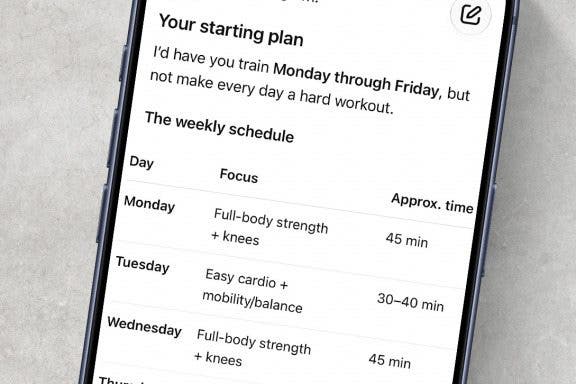
How to Use AI to Generate a Fitness Plan
Rhett Intriago
•
Sep 09, 2026
Apps
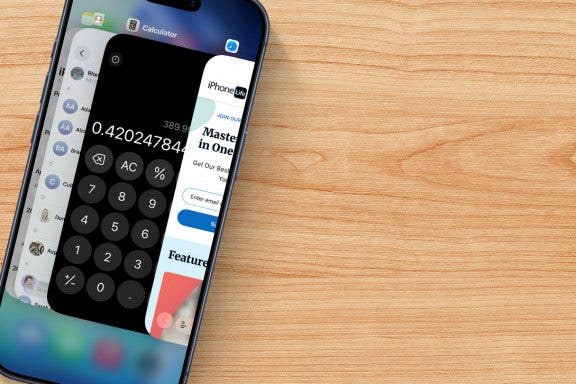
How to Use App Switcher on iPhone
Conner Carey
•
Sep 09, 2026
Keyboard
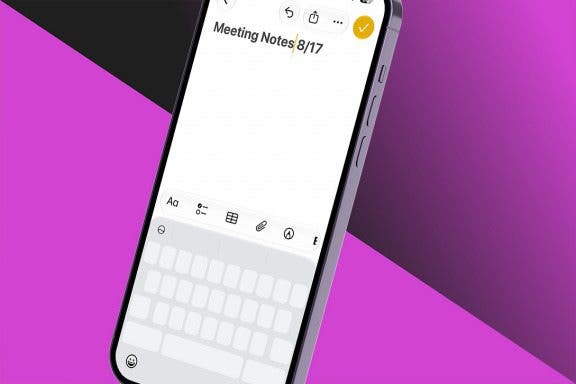
Edit & Select Text with this Hidden iPhone Feature
Conner Carey
•
Sep 09, 2026
YouTube
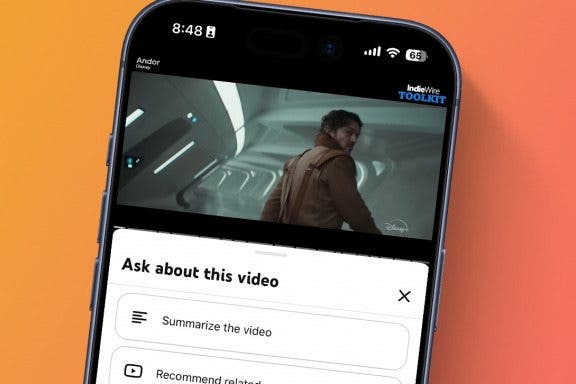
Summarize YouTube Videos in Seconds
Rhett Intriago
•
Sep 09, 2026
Advertisement
Apple Apps
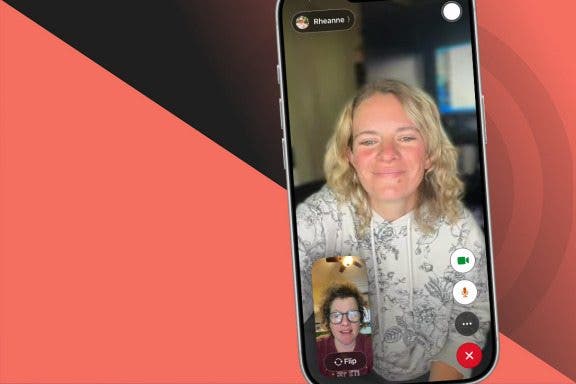
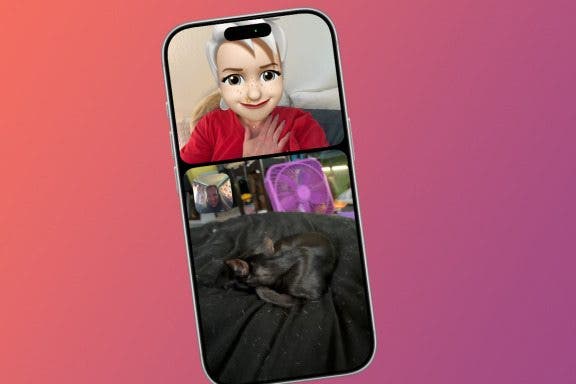
How to Use Dual Cameras in FaceTime
Olena Kagui
•
Sep 09, 2026
Apps
How to Use Safari Reader Mode on iPhone & iPad
Jim Karpen
•
Sep 09, 2026
Apple Intelligence
Write Emails Using Siri AI
Rhett Intriago
•
Sep 09, 2026
Apps
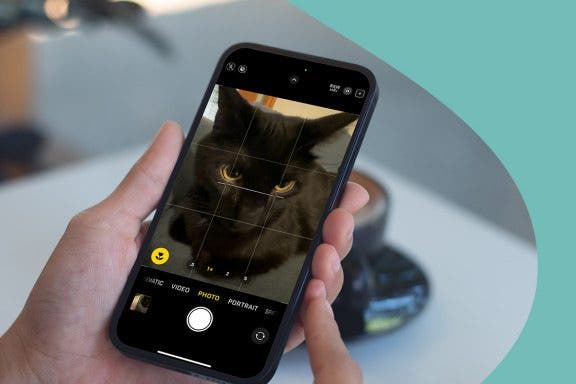
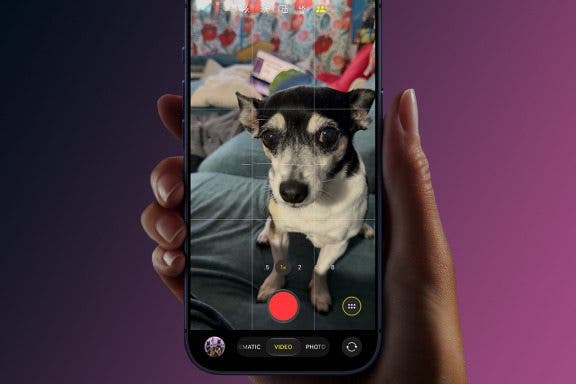
How to Use Volume Buttons to Take a Picture on an iPhone
Hallei Halter
•
Sep 09, 2026
Mail
How to Spot a Phishing Email on iPhone
Rhett Intriago
•
Sep 09, 2026
Chrome
New iPhone & iPad Parental Control: Ask to Browse
Leanne Hays
•
Sep 09, 2026
Apple Intelligence
How to Create Shortcuts Using Natural Language
Rhett Intriago
•
Sep 09, 2026
ChatGPT
Use AI to Find a Product in Stores
Rhett Intriago
•
Sep 09, 2026
Photos
How to Extend a Photo on Your iPhone with iOS 27
Leanne Hays
•
Sep 09, 2026
Apple Apps
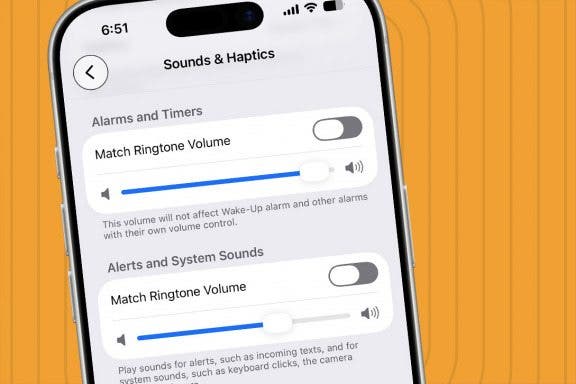
How to Set Separate Alarm and Ringer Volumes on Your iPhone
Leanne Hays
•
Sep 09, 2026
arrow-left icon
1
164
arrow-right icon


 Leanne Hays
 Conner Carey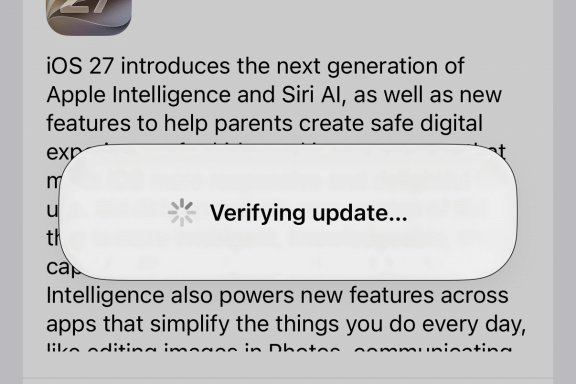
 Rhett Intriago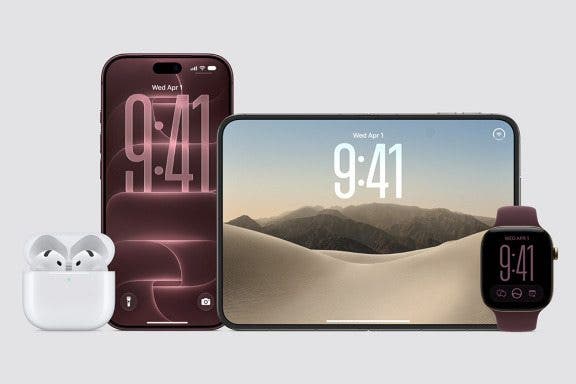
 Amy Spitzfaden Both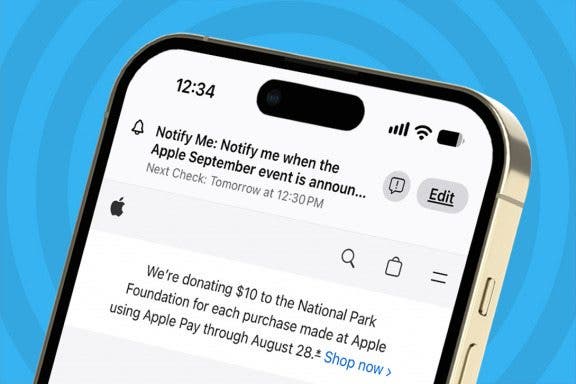
 Olena Kagui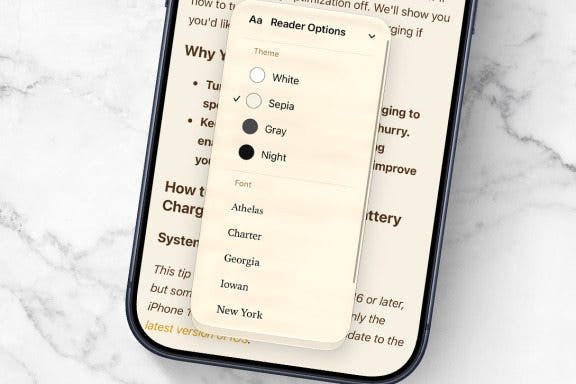
 Jim Karpen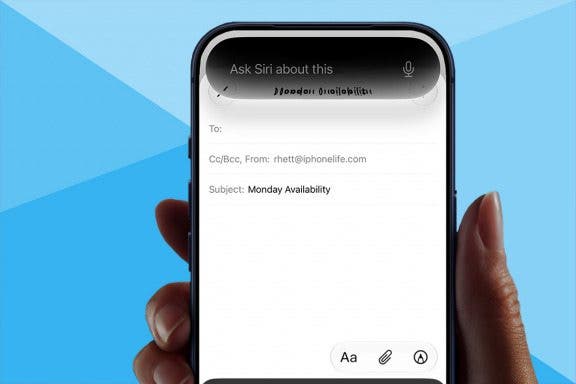
 Hallei Halter