Turn On the Flashlight & Camera from Your iPhone Lock Screen

Conner is a feature writer and contributor to iPhone Life, as well as an author, poet, and content creator.
Learn More Conner is a feature writer and contributor to iPhone Life, as well as an author, poet, and content creator.
Learn MoreWant to know the quickest way to open the Camera app or turn the Flashlight on or off with an iPhone? Here's how to turn on the Flashlight, turn the Flashlight off, and open the Camera, right from an iPhone Lock Screen.
Why You’ll Love This Tip
- Quickly turn on your iPhone flashlight without unlocking your phone.
- Turn off the flashlight just as quickly, and access your Camera, too!
How to Open the Camera & Turn On the Flashlight on an iPhone Lock Screen (or Turn Off the Flashlight)
System Requirements
This tip was performed on an iPhone 17 Pro running iOS 26.5 and works on all iPhones without a Home button. Find out how to update to the latest version of iOS.
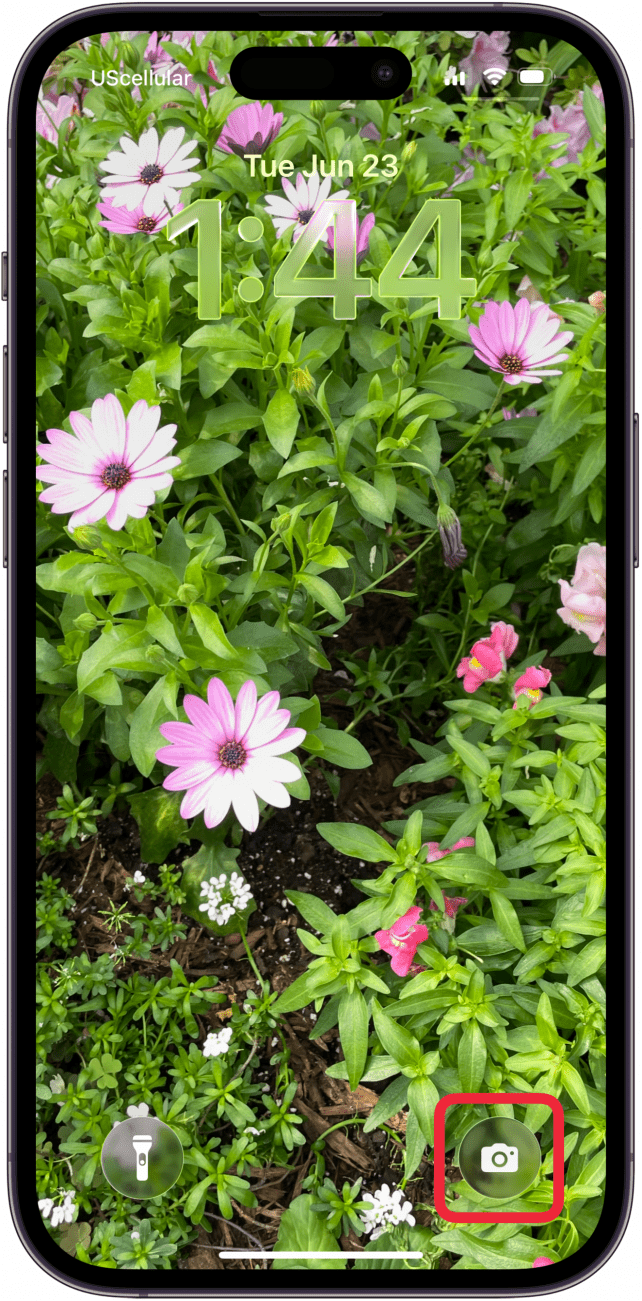
Having quick access to the Camera app and flashlight on your iPhone is really convenient. Here’s how to turn on the Flashlight and open the Camera from the iPhone Lock screen. Your instinct may be to tap the iPhone Camera or Flashlight icon, but that won't work.
- Wake your iPhone up with Raise to Wake or a tap to the screen.
- Locate the Flashlight and Camera icons near the bottom of the Lock Screen.

- Touch and hold an icon to open the Camera or turn on the Flashlight.
- When you’re done using the Camera app, swipe up to close the app or click the Side button.
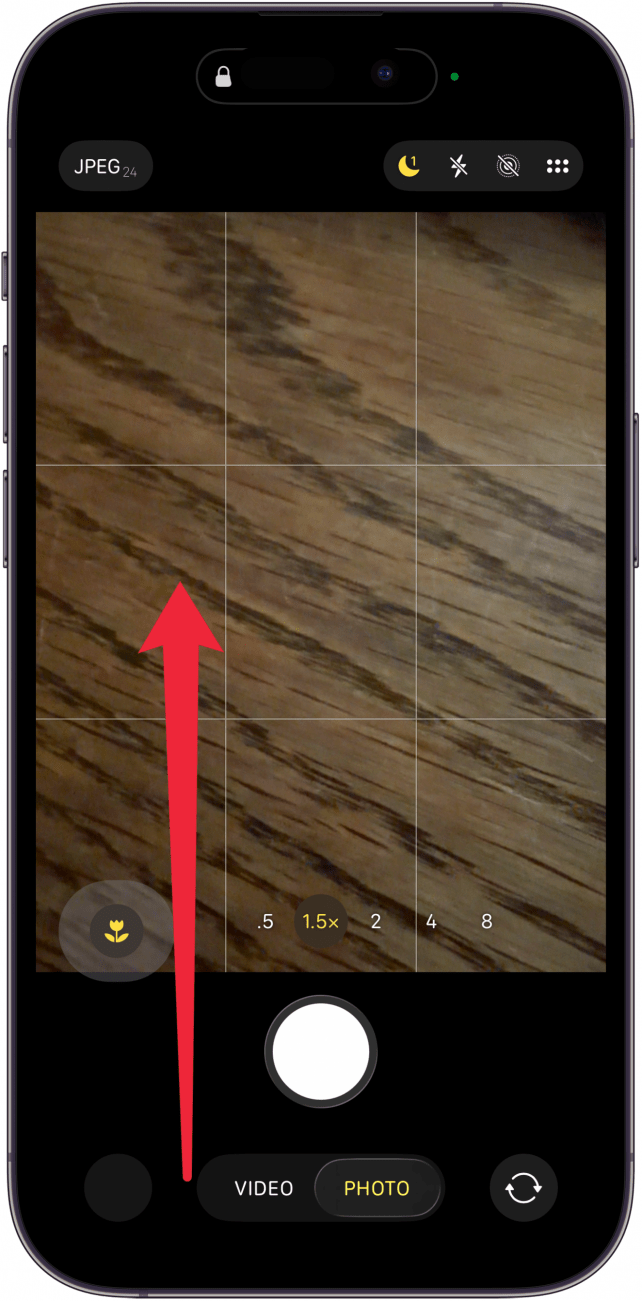
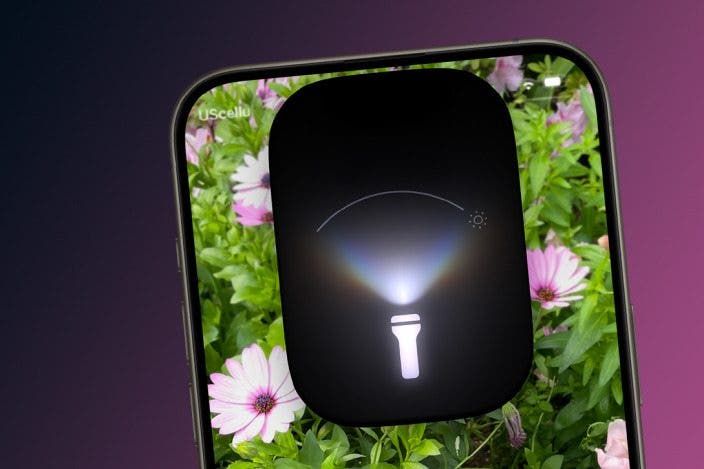
- After you open the flashlight, you can adjust the flashlight beam's width and strength using the Dynamic Island.
- When you’re done using the flashlight, touch and hold the Flashlight icon again to turn it off.

Now you know how to turn your iPhone flashlight on how to turn off the flashlight on your iPhone from the Lock Screen. For more great iPhone tutorials, check out our free Tip of the Day.
More On: iPhone Flashlight

Every day, we send useful tips with screenshots and step-by-step instructions to over 600,000 subscribers for free. You'll be surprised what your Apple devices can really do.

Conner Carey
Conner Carey's writing can be found at conpoet.com. She is currently writing a book, creating lots of content, and writing poetry via @conpoet on Instagram. She lives in an RV full-time with her mom, Jan and dog, Jodi as they slow-travel around the country.
Related Articles
 Leanne Hays
See Who Is Connected to Your Hotspot & Remove Them
 Rhett Intriago
Best Third-Party Tesla Accessories for Tesla Model X, Y, 3 & S
 Olena Kagui


Should You Replace Your Apple Watch Battery? How To Know!
Security News: Phone Networks Compromised by Spies, macOS Infostealers on the Rise, and More
 Cullen Thomas

July Apple Watch News: Watch 10 Rumors, watchOS 11 Beta, More!