How to Resize Photos on iPhone to a Specific Ratio
By Devala Rees
By Devala Rees
By Leanne Hays
By Leanne Hays
By Conner Carey
There are a few methods for how to power off an iPhone 14, or any iPhone with no Home button. You can power down your iPhone inside the iOS Settings or shut down the device using the physical buttons on your iPhone. Read on to learn how to power off your iPhone, how to perform a hard reset, and how to restart your iPhone X or later.
By Leanne Hays
When you make a call on your iPhone, Caller ID reveals your phone number to the person you're calling. If you want to know how to make a private call on your iPhone so your Caller ID doesn't show up, there are a few ways to accomplish this. Here are three ways to hide your phone number, as well as who can still see your number even with these methods, and a simple way to make your phone number visible again on a call-by-call basis, even if you've blocked your number. Let's get started learning how to call with no Caller ID.
By Erin MacPherson
By Conner Carey
By Conner Carey
It's simple to set up iPhone call forwarding. Call forwarding on iPhone automatically directs incoming calls to a different number. We'll show you how to forward calls on your iPhone, plus what to do if call forwarding does not show up on your iPhone.
By Olena Kagui
Chromecast is a device created by Google that lets you stream content from your phone to a TV. If you have a Chromecast built-in or plugged into your television, you can use third-party apps to cast your iPhone to your TV and watch movies or other content on a bigger screen with better sound.
By Olena Kagui
So, can you Chromecast Apple TV? Sadly, you can no longer stream content from your Apple TV app to your Chromecast. However, it's still possible to Chromecast Apple TV content! If you have a Google TV, you can install the Apple TV app directly on your Chromecast. Otherwise, you can log into Apple TV from a Chrome browser or the Google TV app. Below, we'll cover how to set up and cast Apple TV on Chromecast.
By Leanne Hays
If you have a lot of photo albums on your iPhone, you can waste a ton of time searching through them to find what you're looking for. One of my favorite tricks is to create folders to sort my photo albums into, which makes life a lot easier. We'll show you how to create folders for photo albums to help you sort and organize iPhone photos.
By Conner Carey
Can you hide apps on iPhones 16 and earlier models? Absolutely. You can use your iPhone's built-in features to hide any Apple or third-party app for free. Hidden apps on iPhones will not appear on your Home Screen, Spotlight Search results, Siri Suggestions, or even your Apple purchase history.
By Emma Chase
Ever spotted an extra charge from the App Store on your credit card statement and wondered where it came from? It's become more common for apps to have in-app purchases, even if the app itself is free. Here's how to turn off in-app purchases on your iPhone or iPad.
Apple's Photos app includes a People & Pets album that makes it easy to find every picture of the same person or furbaby, organized into separate sub-albums. Here's how to tag iPhone photos to add a friend, animal, or family member to the People album if the Photos app hasn't already included them automatically.
By Olena Kagui
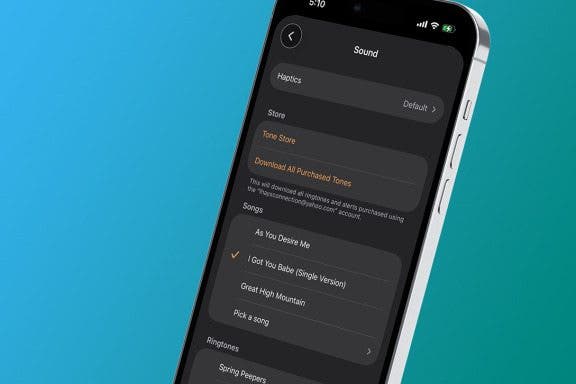
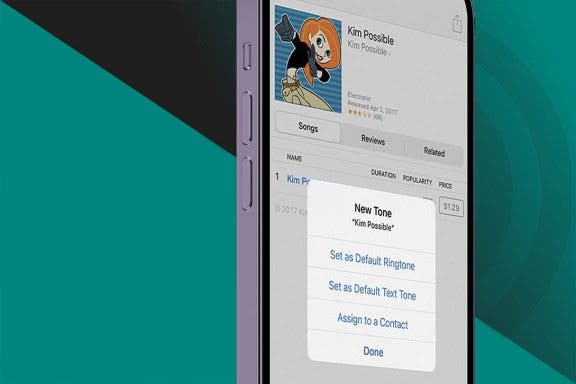
Have you ever been sure you just received a text, only to find that it was the person next to you? Having the same ringtone and text tone as your friends can get frustrating. A great way to distinguish your iPhone is to change your text message ringtone. We will teach you how to do that and set different text tones for your favorite contacts.
By Conner Carey
Voice memos are an amazing way to save a passing thought or quickly record important information. You may want to know how to save voice memos from your iPhone to your computer to avoid losing that information, or so you can turn it into something new. The good news is that you have several options if you want to export voice memos from your iPhone to your PC or Mac. Below, we'll walk you through how to transfer voice memos from your iPhone to your computer.
By Leanne Hays
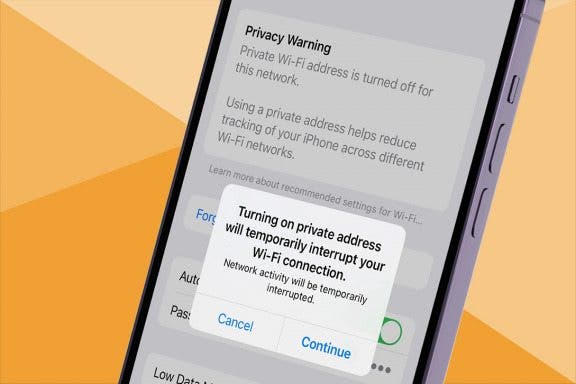
When connecting your iPhone, iPad, or Apple Watch to a Wi-Fi network, you might have noticed that the network is marked with a privacy warning. Apple is helpful in giving us these security alerts, but what does this privacy warning on your iPhone mean? Here's what a privacy warning on Wi-Fi means, and what to do about it.
By Erin MacPherson
Are you finding that newly downloaded apps are no longer appearing on your Home Screen? Your App Library settings may have been changed accidentally, or with an update. If your recently downloaded apps are not showing up, we’ll explain why and how to fix it for good.
By Conner Carey
Can you see Siri history? Unfortunately, unless you have a pretty old operating system, you cannot. However, if you are still running iOS 14 or earlier, you can access logs of your previous Siri interactions.
By Sarah Kingsbury
You can access your iPhone flashlight from your Lock Screen, Control Center, or by asking Siri. We'll show you how to use each method to turn the flashlight on and off. As an added bonus, we'll also show you how to adjust the brightness of your iPhone flashlight.
NULL