Home
chevron-right icon
macOS Catalina 10.15
chevron-right icon
All Articles
macOS Catalina 10.15
Become an Apple device expert
Daily one-minute tips sent straight to your inbox.
Subscribe For Free
All Articles
Productivity & Business
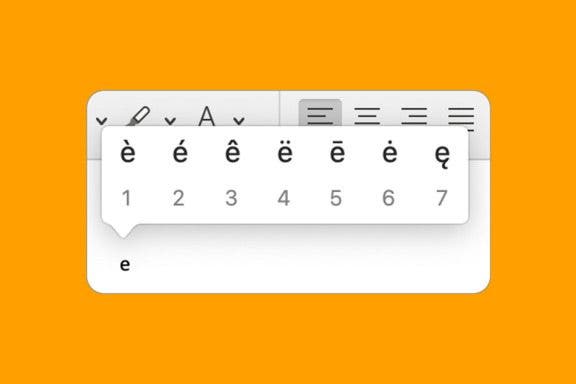
How to Add Accent Marks on Mac
Devala Rees
•
Jan 17, 2024
Apps
How to Enable Screen Sharing on Zoom
Rachel Needell
•
Jan 17, 2024
Trackpads & Mice
What to Do When Mac Mouse Disappears: How to Find & Fix
Leanne Hays
•
Jan 17, 2024
Mac
How to Change Admin Name on Mac
Devala Rees
•
Jan 17, 2024
Mac
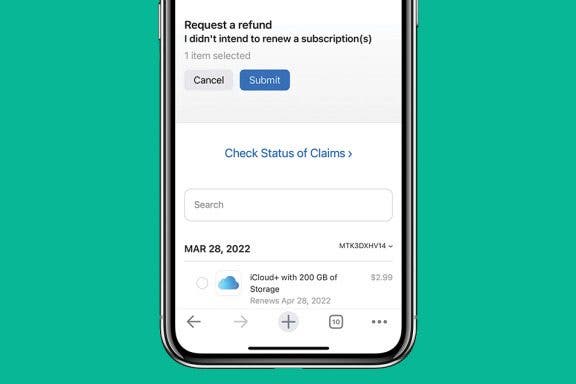
How to Get a Refund on the App Store
Rachel Needell
•
Jan 16, 2024
Apps
How to Play Live Photos on Mac
Leanne Hays
•
Jan 16, 2024
Parental Controls
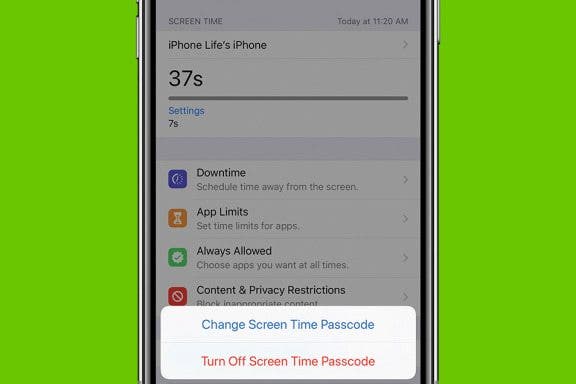
What to Do If You Forgot Your Screen Time Passcode on iPhone or iPad
Jim Karpen
•
Jan 16, 2024
Device Management
How to Connect an Apple Magic Mouse to Mac
Leanne Hays
•
Jan 16, 2024
Apple ID
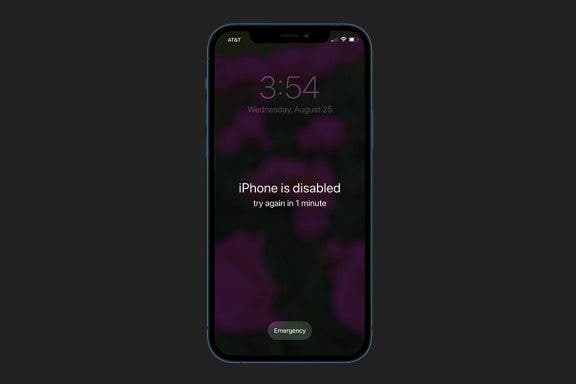
How to Unlock a Disabled iPhone or iPad: 4 Best Ways
Conner Carey
•
Dec 11, 2023
Trackpads & Mice
How to Copy & Paste on Mac Using a Mouse or Trackpad
Amy Spitzfaden Both
•
Nov 28, 2023
Advertisement
Mac
Apple Universal Clipboard: Copy & Paste Between Devices
Conner Carey
•
Nov 07, 2023
Mac
How to Turn Off Auto-Caps on Mac
Tommy Boynton
•
Oct 18, 2023
Mac
How to Minimize All Windows on Mac (at the Same Time!)
Jivan Hall
•
Oct 13, 2022
Mac
How to Connect Bluetooth Headphones to Mac
Jivan Hall
•
Jun 01, 2022
Mac
How to Find Passwords on Mac
Amy Spitzfaden Both
•
Apr 28, 2022
Apps
How to Get Text Messages & iMessages on Mac
Conner Carey
•
Apr 26, 2022
Mac
How to Delete Text Messages on Mac (4 Easy Ways!)
Devala Rees
•
Apr 13, 2022
Apps
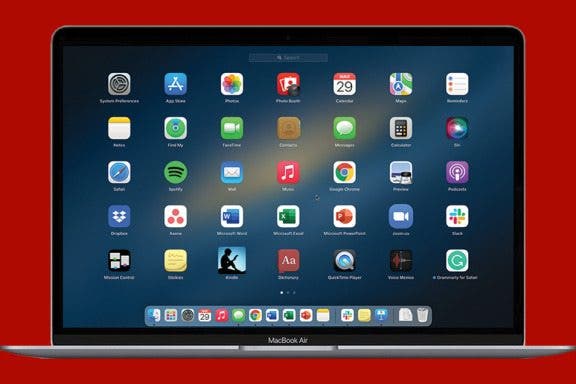
How to Edit Launchpad on Mac
Rachel Needell
•
Apr 05, 2022
Mac
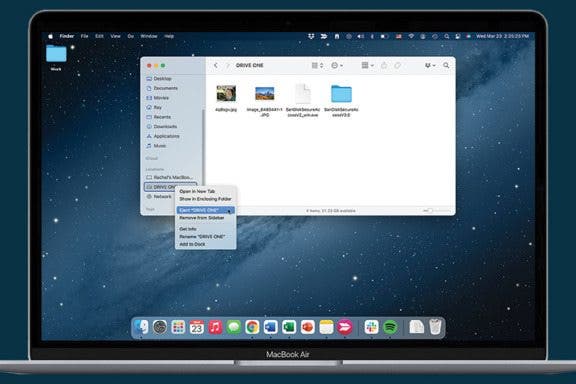
How to Eject USB from Mac
Rachel Needell
•
Apr 04, 2022
Mac
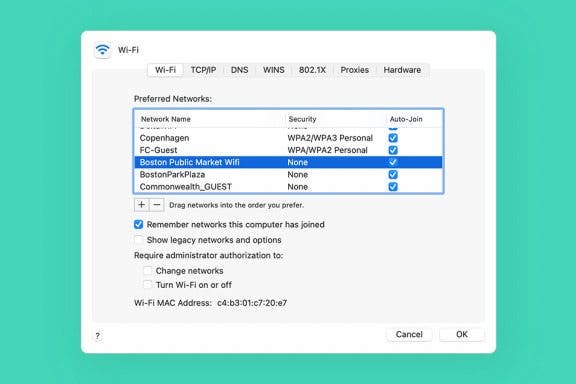
How to Forget a Wi-Fi Network on Mac
Jivan Hall
•
Apr 04, 2022
arrow-left icon
1
arrow-right icon


 Devala Rees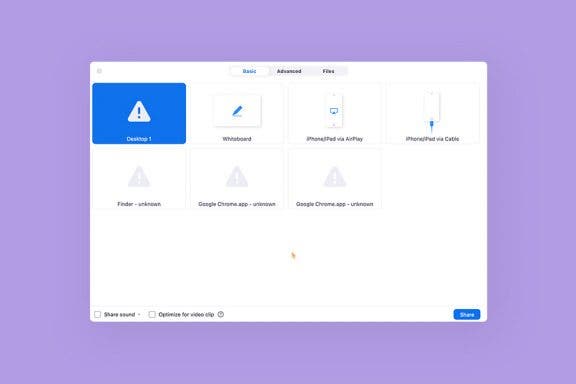
 Rachel Needell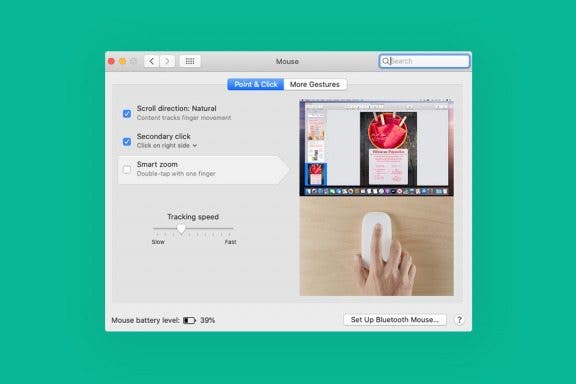
 Leanne Hays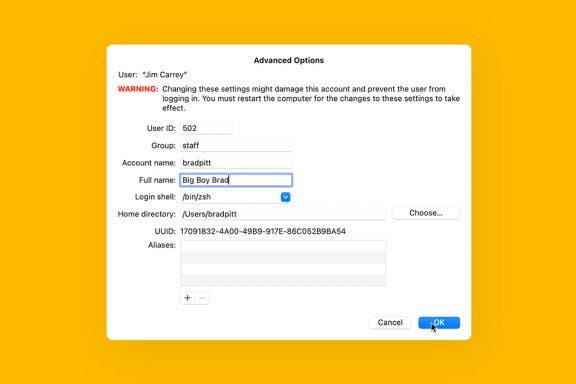

 Jim Karpen
 Conner Carey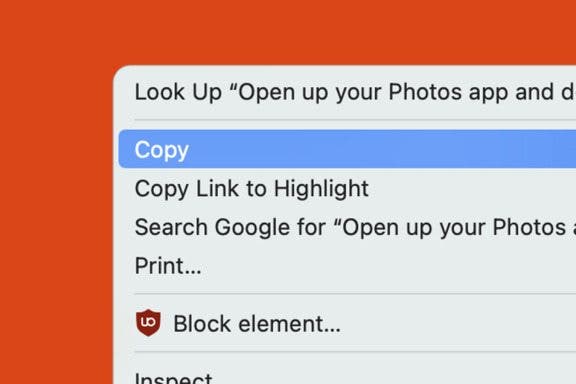
 Amy Spitzfaden Both
 Tommy Boynton
 Jivan Hall