Home
chevron-right icon
How-To
chevron-right icon
All Articles
how-to icon
How-To
Become an Apple device expert
Daily one-minute tips sent straight to your inbox.
Subscribe For Free
All Articles
Apple TV
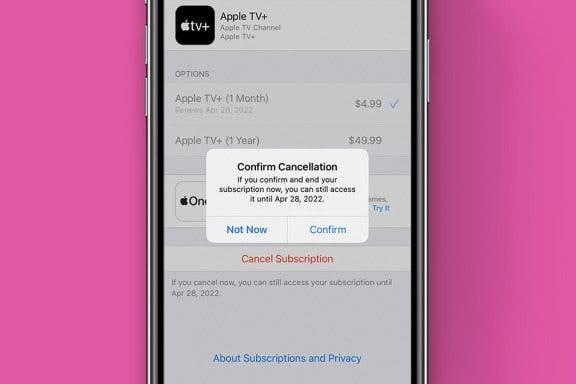
How to Cancel Apple TV+ Subscription
Olena Kagui
•
Jan 18, 2024
Apps
How to See & Share All Photos in a Memory at Once on iPhone
Sarah Kingsbury
•
Jan 18, 2024
Apps
How to Silence Notifications for a Particular App on iPhone
Rachel Needell
•
Jan 18, 2024
Mac
How to Add & Delete a User on Mac
Rachel Needell
•
Jan 18, 2024
Wi-Fi
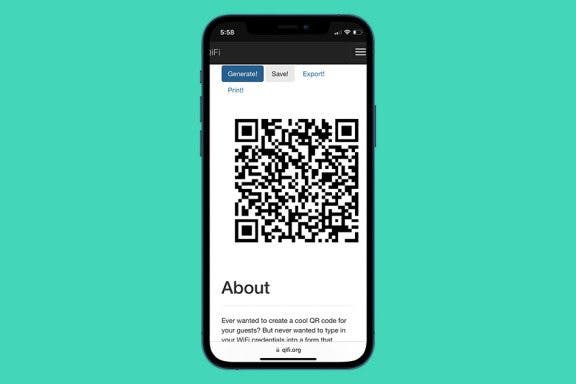
How to Create a Scannable Wi-Fi Password
Devala Rees
•
Jan 18, 2024
Apps
How to Get iMessage for Windows
Conner Carey
•
Jan 18, 2024
Emergency SOS
How to Use the Apple Watch Ultra Siren
Olena Kagui
•
Jan 18, 2024
Apps
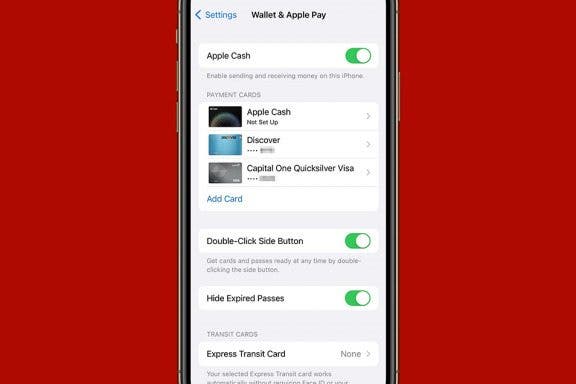
How to Use Apple Pay in an App on iPhone
Adam Harvey
•
Jan 18, 2024
HomePod
How to Use HomePod & HomePod mini Physical Controls
Olena Kagui
•
Jan 18, 2024
Safari
How to Use Safari Extensions on iPhone & iPad
Ashleigh Page
•
Jan 18, 2024
Advertisement
Apps
How to Make a Group FaceTime Call with Siri
Ashleigh Page
•
Jan 18, 2024
Mac
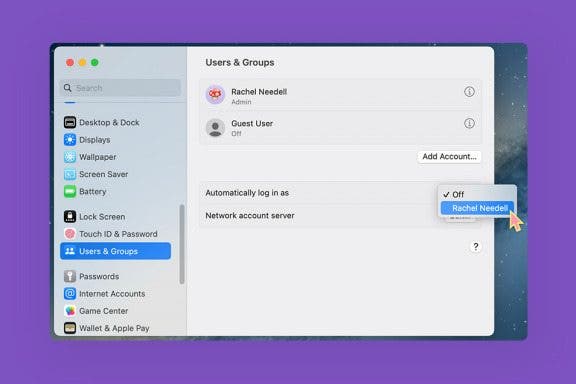
How to Turn Off Password on MacBook
Rachel Needell
•
Jan 18, 2024
Tesla
How to Lock Tesla Model 3, Y, S & X without Key
Olena Kagui
•
Jan 18, 2024
Mac
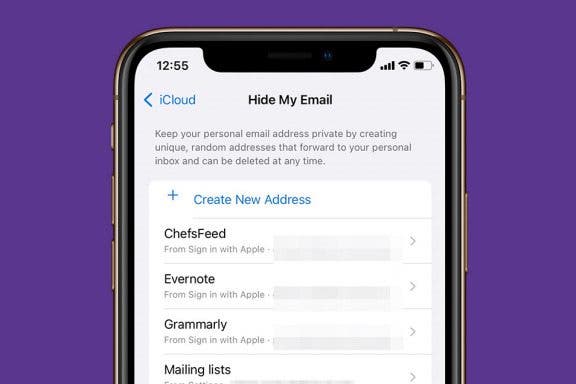
Hide My Email Helps You Protect Your Identity with Dummy Accounts
August Garry
•
Jan 18, 2024
Keyboard
Easily Type Website Domain Names with iPhone Keyboard Shortcut
Rhett Intriago
•
Jan 18, 2024
Mac
How to Paste Without Formatting on Mac
Rachel Needell
•
Jan 18, 2024
Apps
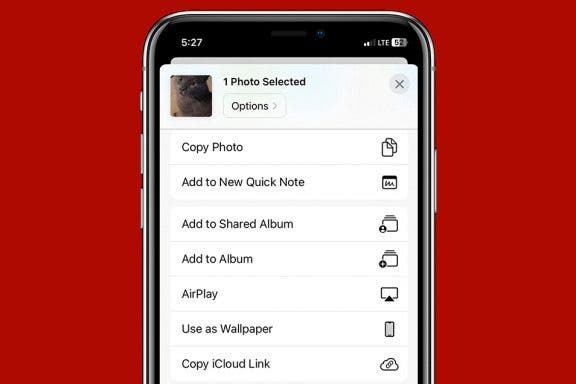
How to Add Quick Note Using Your iPhone's Share Sheet
Kenya Smith
•
Jan 18, 2024
Apps
How to Screen Record on Mac
Leanne Hays
•
Jan 18, 2024
Mac
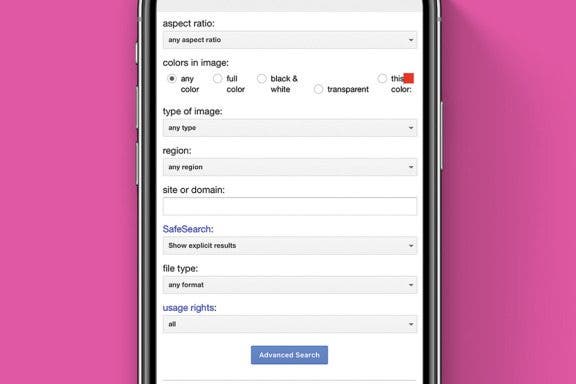
Why & How to Perform an Advanced Google Image Search
Olena Kagui
•
Jan 18, 2024
Speakers
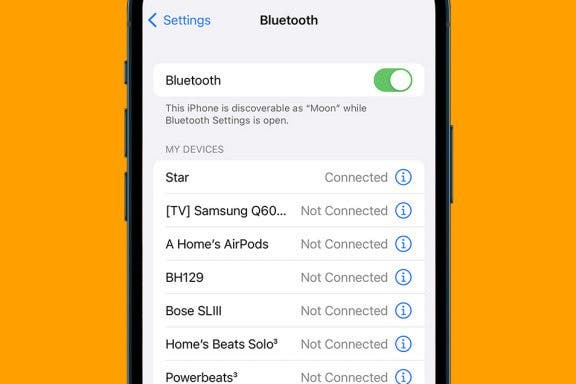
How to Work Wireless Speakers: Turn On Bluetooth on iPhone
Rachel Needell
•
Jan 18, 2024
arrow-left icon
1
164
arrow-right icon


 Olena Kagui
 Sarah Kingsbury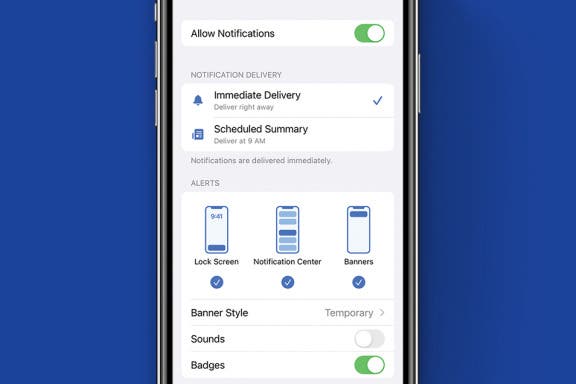
 Rachel Needell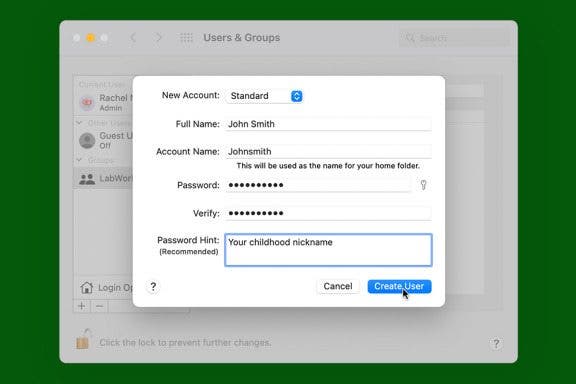
 Devala Rees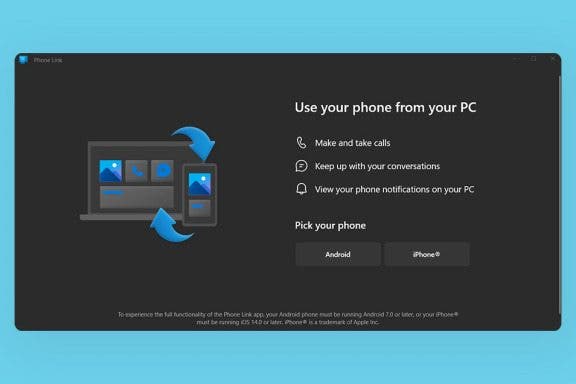
 Conner Carey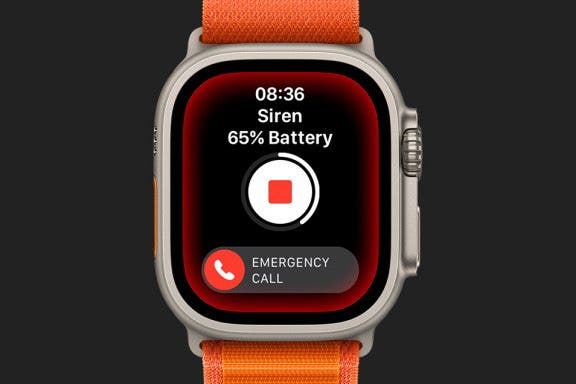


 Ashleigh Page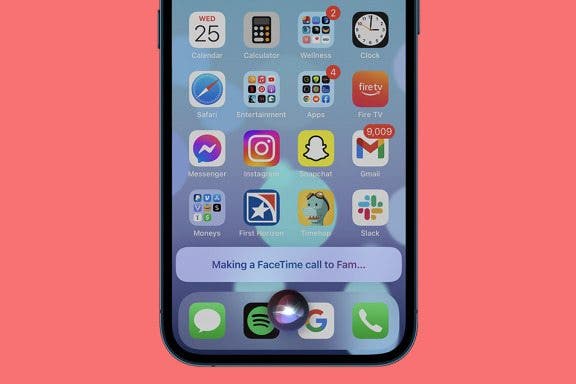

 August Garry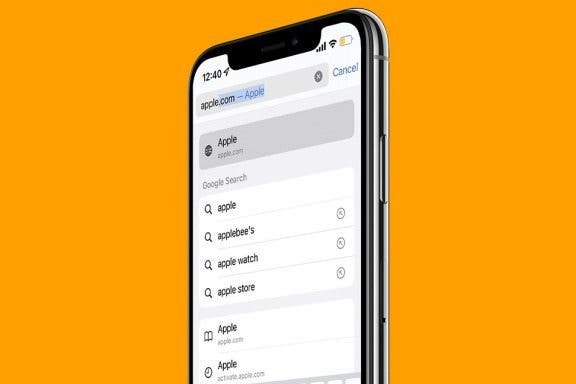
 Rhett Intriago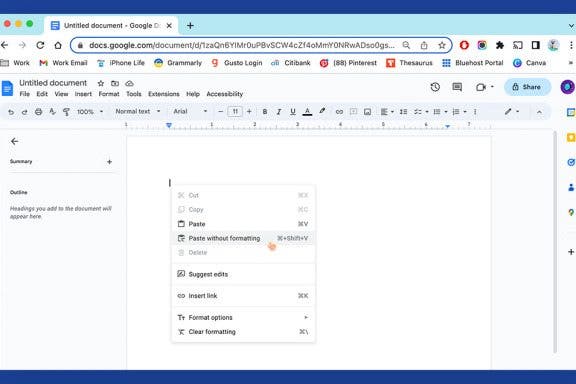
 Kenya Smith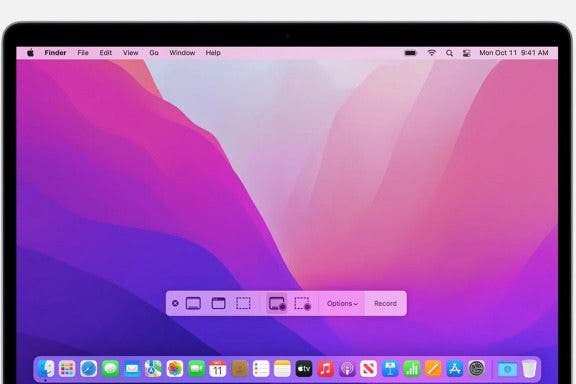
 Leanne Hays